The Course Creator’s Guide to Subscription Billing: From Content to Consistent Cash Flow
If you are building an online course, your content may be world-class—but without a robust subscription billing system, your revenue will never reach its full potential. Missed payments, failed renewals, and manual follow-ups quietly erode growth, even when learners love your content.
The good news? You can eliminate these issues with a structured subscription billing setup. This guide walks you through building a billing system that supports scale, improves retention, and gives your learners a seamless experience from signup to renewal.
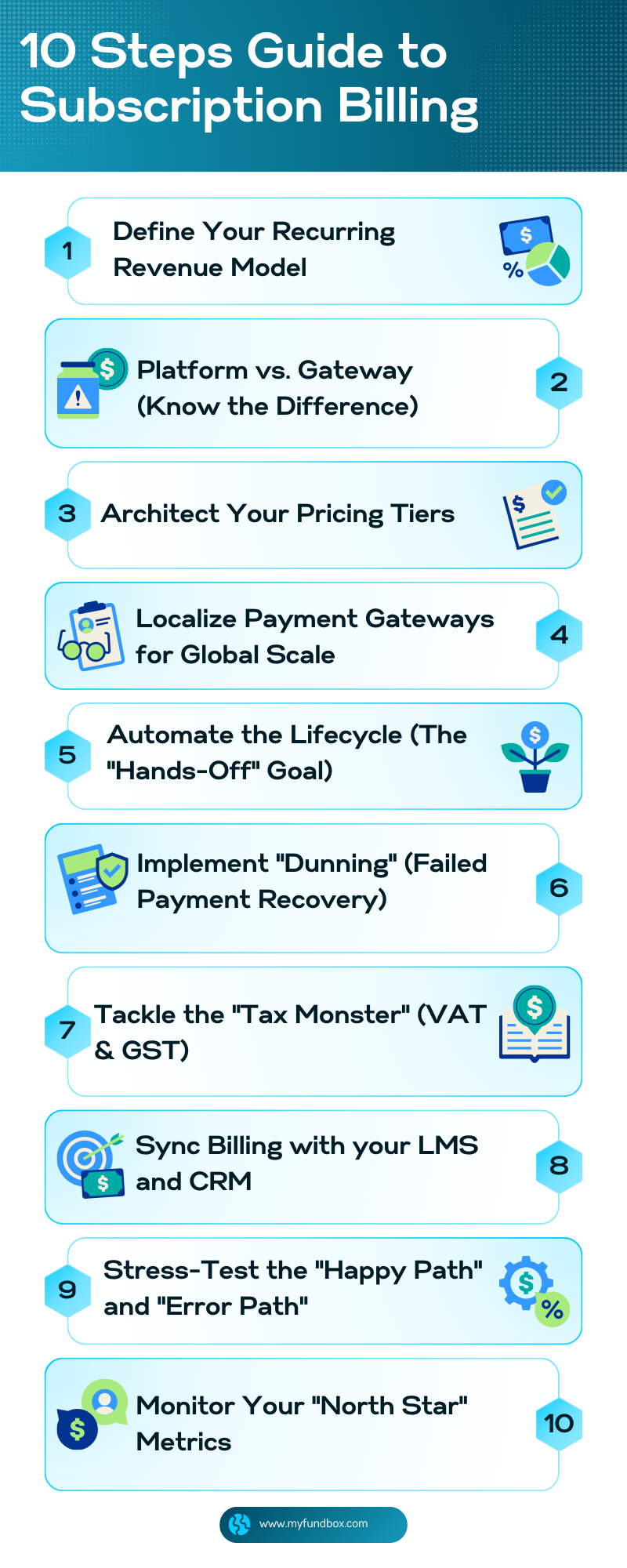
10 steps subscription billing guide
Step 1: Define Your Recurring Revenue Model
Before selecting any tools, you must define the logic of your "Learning Economy."
Monthly/Annual Memberships: Standard "All-access" pass.
Drip-Based Access: Content unlocks monthly to prevent "churn and burn."
Cohort-Based Billing: Fixed-term subscriptions that expire after a set number of cycles.
Pro Tip: Always offer an annual option at a 15–20% discount. It front-loads your cash flow and significantly lowers your churn rate.
Step 2: Platform vs. Gateway (Know the Difference)
A common mistake is assuming a payment gateway is a billing system.
The Gateway (e.g., Stripe, PayPal): Moves money from Point A to Point B.
The Subscription Platform (e.g., MYFUNDBOX): Manages the logic. It handles trial periods, upgrades/downgrades, automated tax calculation, and self-service portals where students can update their own cards.
Step 3: Architect Your Pricing Tiers
Inside your billing platform, translate your model into plans. Keep your "Paradox of Choice" in check:
Limit to 3 Tiers: Use a "Recommended" middle tier to anchor value.
Trial Strategy: Consider a $1 or 7-day trial to verify payment methods.
Grandfathering: Ensure your system can keep early adopters on their original price while you raise rates for new students.
Step 4: Localize Payment Gateways for Global Scale
If you are selling to a global audience, credit cards are not enough.
North America/Europe: Credit Cards, Apple Pay, Google Pay.
Europe (Specific): SEPA Direct Debit or Klarna.
Developing Markets: Digital wallets or local bank transfers. Integrating multiple gateways through a single platform reduces "false declines" and increases conversion by up to 20%.
Step 5: Automate the Lifecycle (The "Hands-Off" Goal)
Set up automated triggers so you don't have to chase people:
Renewal Notifications: Sent 3 days before an annual charge.
Grace Periods: Allow a 3-day window for users to update cards before cutting access.
Automated Invoicing: Professional, PDF-based receipts sent for every transaction.
"Involuntary churn"—when a student wants to pay but their card fails—is the silent killer. Your Dunning sequence should include:
Smart Retries: Retrying the card on specific days (e.g., payday cycles).
Automated Emails: "Your access is at risk" emails with a secure payment update link.
In-App Alerts: Banners within your course platform notifying them of a billing issue.
Step 7: Tackle the "Tax Monster" (VAT & GST)
Selling digital products globally subjects you to various tax jurisdictions.
Validation: Use a system that validates VAT IDs in real-time.
Nexus Tracking: Ensure your platform calculates tax based on the student's location. This keeps you compliant without needing to be a tax expert.
Step 8: Sync Billing with your LMS and CRM
Your billing system must talk to your other tools to avoid manual admin.
LMS Integration: If a payment fails, your billing system should automatically revoke access in Kajabi, Teachable, or Thinkific via Webhooks or Zapier.
CRM Integration: Tag users in ActiveCampaign or Mailchimp as "Active Subscriber" or "Past Due."
Step 9: Stress-Test the "Happy Path" and "Error Path"
The Happy Path: Does a successful payment grant instant access?
The Error Path: If a card is declined, does the "access denied" trigger work immediately?
The Mobile Path: Ensure the checkout is seamless on a smartphone.
Step 10: Monitor Your "North Star" Metrics
Once live, track these three numbers:
MRR (Monthly Recurring Revenue): Your predictable core income.
Churn Rate: Aim for <5-7% monthly.
LTV (Lifetime Value): How much one student is worth over their entire subscription.
Avoid These 3 Common Pitfalls
Manual Invoicing: Chasing payments manually doesn't scale and looks unprofessional.
Ignoring Failed Payments: Without automated retries, you lose up to 15% of your revenue.
Hidden Tax Costs: Not collecting tax at checkout can lead to massive back-tax bills.
Final Checklist: Is Your Billing Ready?
Use this quick audit to see if you're ready to scale:
[ ] Do you offer both Monthly and Annual tiers?
[ ] Is your billing platform separate from your gateway?
[ ] Have you set up an automated 3-step dunning (retry) email sequence?
[ ] Does your checkout automatically calculate local taxes (VAT/GST)?
[ ] Is your billing system synced to your LMS to auto-revoke access on failure?
Final Thoughts
For course creators, subscription billing is about building a predictable, scalable business. The right setup reduces churn, improves cash flow, and frees you to focus on what matters most: creating impactful learning experiences.
Ready to automate your revenue? If you want to simplify subscription billing, automate renewals, and handle global tax compliance without the headache, MYFUNDBOXhelps course creators manage the entire lifecycle from one powerful dashboard.
Asra Anjum
Recent Blogs
How MYFUNDBOX Simplifies Complex German Tax-Compliant Billing How MYFUNDBOX Simplifies Complex German Tax-Compliant Billing



.png)




.png)
.png)


.svg)





.png)


